

Smart home tech is no longer a party trick. Used well, it can cut time spent on daily hassles, trim bills, and give you more peace of mind, especially in compact homes like many in Singapore. But real adoption brings challenges like cybersecurity risks, digital literacy gaps, cost barriers, and device compatibility issues that you need to face head-on.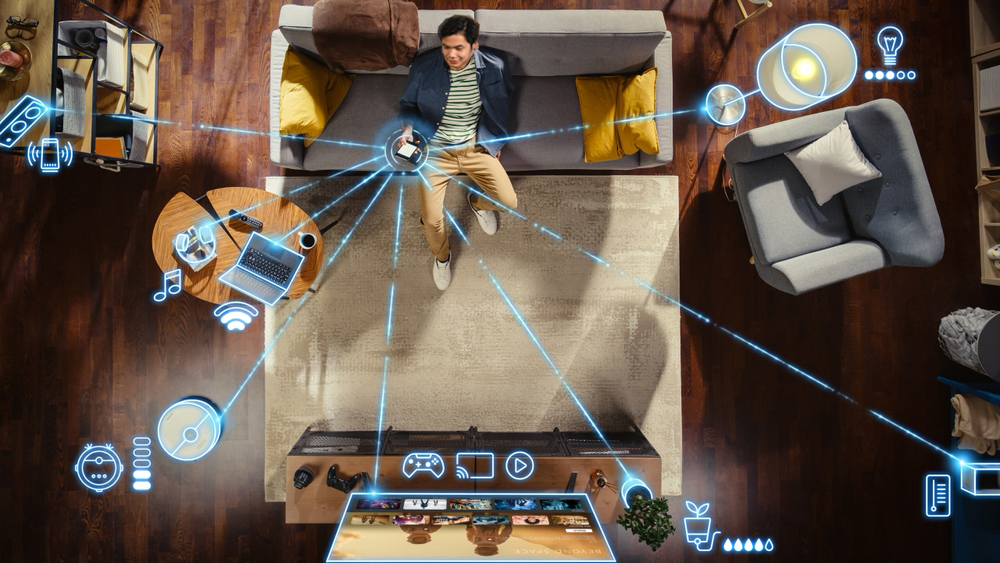
Smart home gadgets used to feel like expensive toys, but that has changed as devices have become cheaper, more reliable, and easier to set up. In Singapore, strong broadband and the national Smart Nation push have made connected living more normal. Even HDB’s MyNiceHome showflats now feature smart home technology to show residents what is possible.
A smart home is one where devices connect over the internet or local networks to automate tasks, respond to voice commands, or let you control them remotely through apps. Smart homes here have grown from about 266,000 in 2019 to over 700,000 in 2024. The government aims to cut energy use in HDB estates by 15% by 2030 as part of its net-zero emissions goal for 2050.
For many households, the question is no longer “Should I get smart devices?” but “Which ones actually help and are worth the cost?” The focus should be on devices that solve daily problems: cutting energy waste, improving safety, and saving time on small chores. Singapore’s climate, dense housing, and push for greener living make energy saving and simple automation especially useful at home. You don’t need a fully automated showroom home to benefit; a few well-chosen gadgets can already make a real difference.
Smart Speakers: The Quiet Home Assistant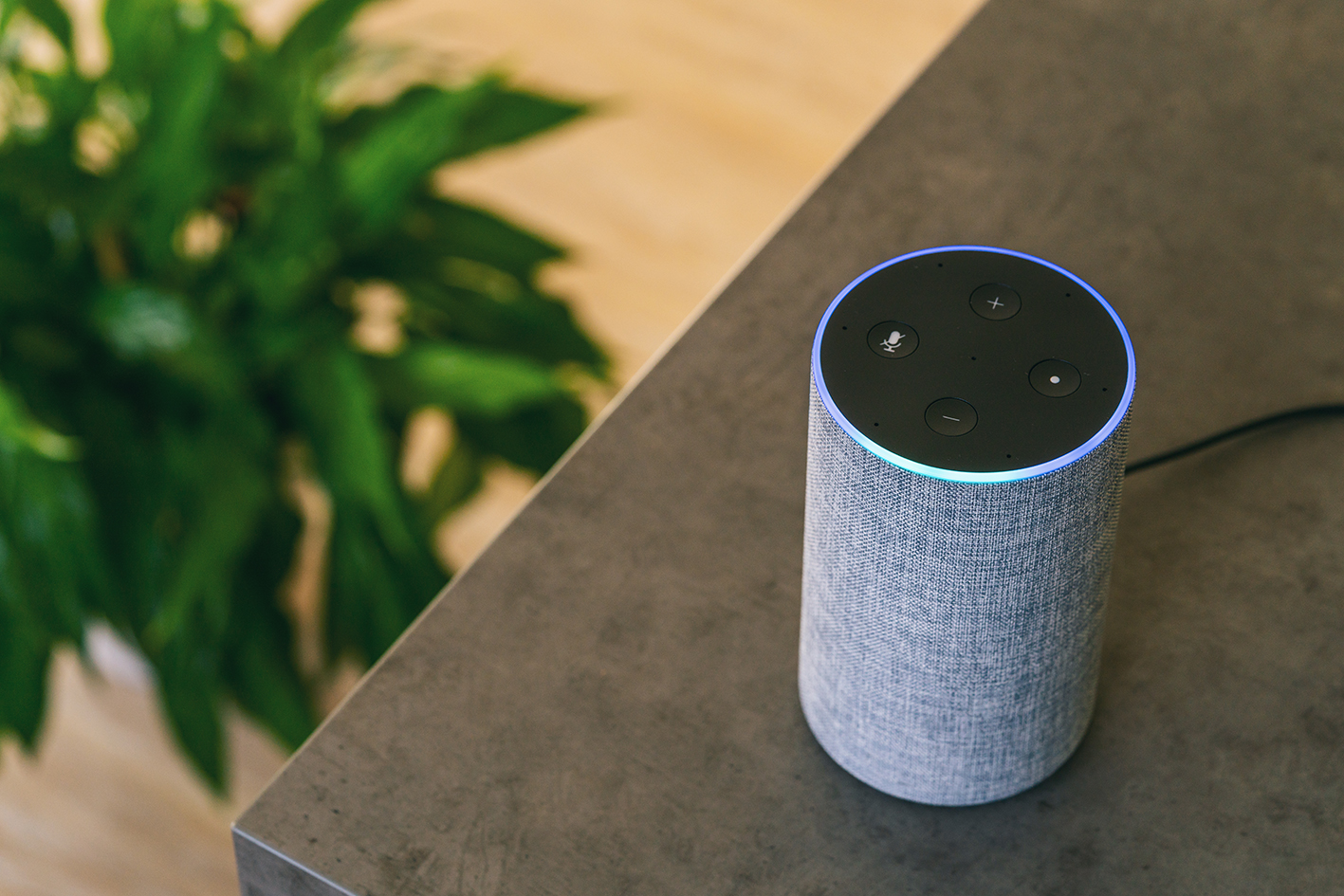
Smart speakers, like Google Nest or Amazon Echo, are often the first smart device people buy because they are easy to use and work as a hub for other gadgets. You can find them at places like Shopee, Lazada, Challenger, Courts, or GeekBite in Singapore. Globally, smart speaker use has grown fast as households get used to voice control for lights, music, reminders, and even simple cooking timers. In small Singapore flats, voice commands can feel especially handy when your hands are full or when you don’t want to fumble for switches at night.
Used well, a smart speaker becomes the “remote control” for your home. You can say things like “turn off all lights” before leaving the house, or “set AC to 25 degrees” without getting up. Smart speakers can also help elderly parents or kids manage simple tasks more easily, though you should always think about privacy and what data the device collects, especially given local cybersecurity concerns. It is usually best to disable features you do not need, like always-on microphones in certain rooms.
Smart Lighting: Easy Wins for Comfort and Savings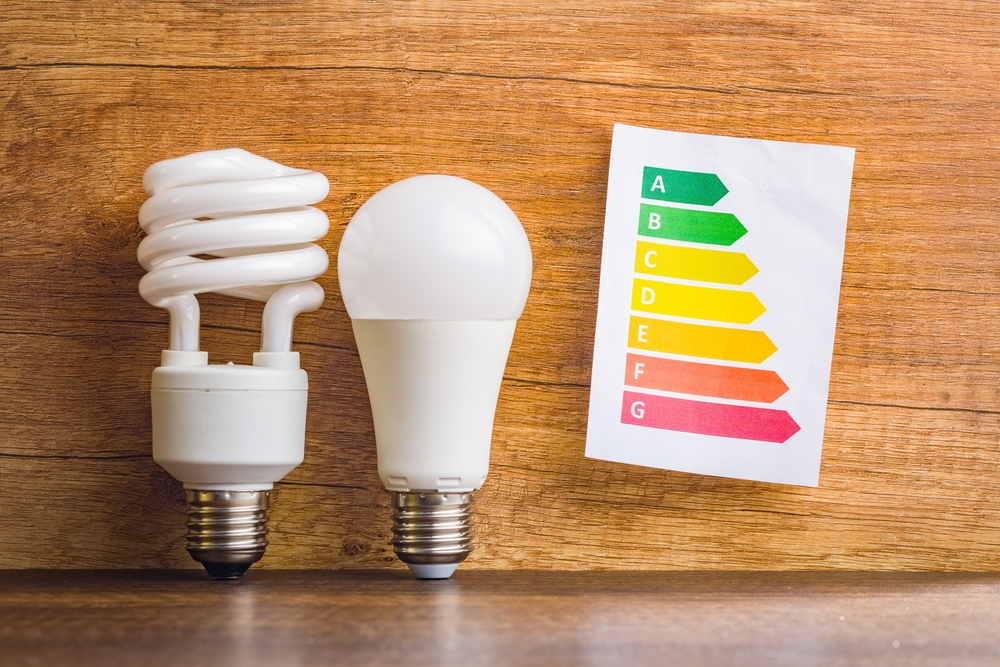
Smart bulbs and switches like Philips Hue, Yeelight, or TP-Link Kasa are among the simplest upgrades and often the most immediately useful. Philips Hue bulbs (S$29-69 per bulb) are popular for their wide range of colours, long life up to 25,000 hours, and strong integration with Alexa, Google Home, and Apple HomeKit, making them a solid pick for serious users. Buy them at Shopee or Lazada. Yeelight bulbs (S$19-39) stand out as an affordable option with easy Wi-Fi setup without a hub and good colour options, which suit budget-conscious Singapore homes. You can purchase them from Shopee or Lazada.
Many Singapore households have already switched to LED bulbs, which use less power, but smart lighting adds timers, motion sensing, and remote control on top of that. You can schedule lights to switch off automatically after bedtime or when you usually leave for work, which cuts unnecessary use and keeps bills in check. Motion-sensor or smart switches like Aqara (S$35-55) or Mowe (S$25-45) prevent lights from being left on all night in corridors, bathrooms, and storerooms, a common problem in busy homes; Aqara is favoured for its Zigbee reliability and HomeKit support, working well in HDB wiring. Get Aqara at Lazada and Mowe at Shopee.
For people who travel often or work late, smart lighting can also mimic someone being at home, which adds a small layer of security at almost no extra effort. Over time, these small tweaks support Singapore’s wider push to cut household energy use and move toward net zero.
Cooling Smarter: Air Conditioners and Fans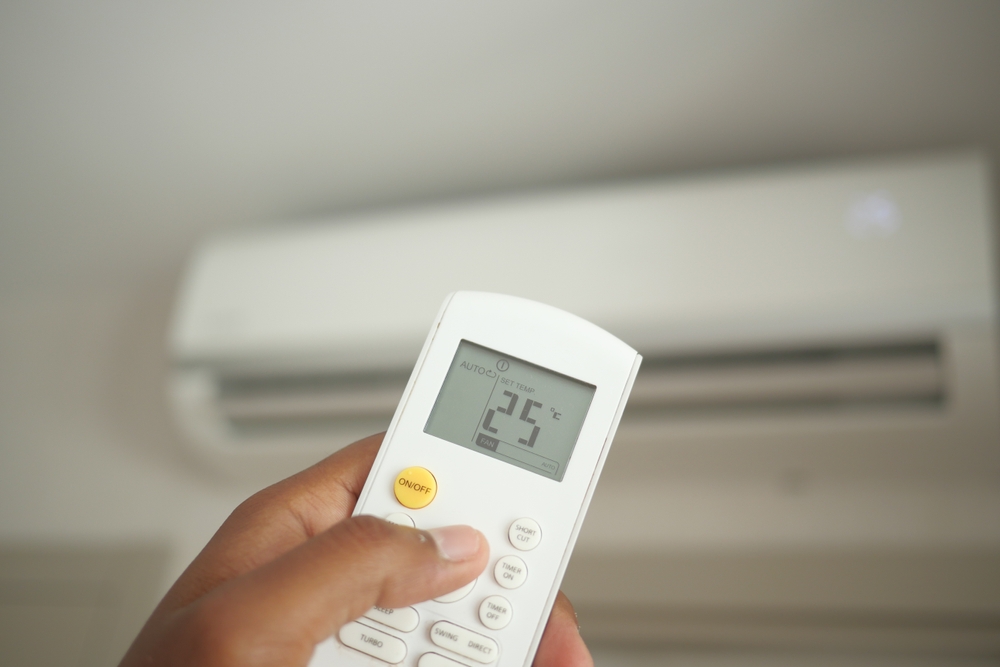
In humid Singapore, air conditioning is often the biggest part of the electricity bill, so smarter cooling is one of the most powerful upgrades. Wi-Fi controllers like Aqara M200 (around S$119), Sensibo Air (S$129-149), or Mysa (S$139) act like remotes connected over Wi-Fi. They stick near your AC unit, learn its infrared signals, and let you set schedules, adjust temperature from your phone, or turn units off when everyone has left home. Some systems learn your patterns over time and reduce overcooling, which helps both comfort and cost in the long run.
Pairing smart fans and smart plugs with existing AC units can also help. Smart fans like Bestar Hali or Star-5 (S$400-600) have DC motors for low energy use, quiet operation, and iFeel sensors that auto-adjust speed based on room temperature; they work with apps and voice assistants.
Budget options include Youkain Wi-Fi fans from Threecubes (S$188-218) or TP-Link Tapo P100 smart plugs (S$12-20) to cut power to non-smart ACs at set times. Higher-end picks like Haiku fans (S$1,000+) offer perfect silence and circadian lighting, but start cheaper if you just want basic remote control.
For instance, using a smart plug prevents your AC running on autopilot until morning. Singapore’s Climate Friendly Households Programme encourages efficient appliances like DC fans, tying home comfort to national energy goals. The key is avoiding extreme settings; 25 or 26 degrees usually balances comfort and savings.
Smart Plugs and Power Strips: Small Devices, Big Impact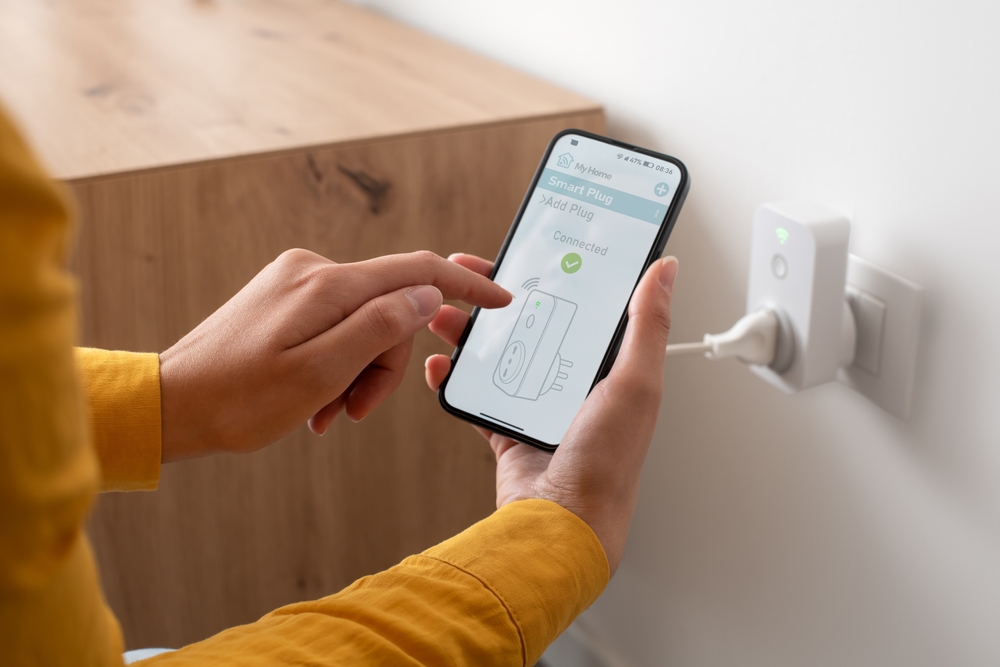
Smart plugs stand out from regular plugs with a physical on/off button because they connect to Wi-Fi and your phone app for remote control anywhere with internet. You plug the smart plug into your wall socket, then plug your appliance into the smart plug. Unlike a basic switch that stays local, you can turn devices on or off from work, set schedules, or check energy use through the app, even when you’re not home. Most also work with voice assistants like Google or Alexa.
Recommended options cover different budgets. Budget picks like TP-Link Tapo P100 (S$13-20 on Shopee) offer basic remote on/off and scheduling. Mid-range TP-Link Tapo P110 (S$17-25) adds energy monitoring to track what your kettle or fan uses daily. For power strips, TP-Link Kasa Smart Wi-Fi Power Strip (S$60-80) controls multiple outlets at once with surge protection.
You can plug in things like kettles, standing fans, dehumidifiers, and even routers, and set them to run only when needed. This works well for “vampire” devices that draw power even when off. A smart power strip shuts down your TV, game console, and sound system together at midnight. Over time, these adjustments cut energy costs. Just ensure connected devices are safe for remote control; avoid anything like heaters that could spark if switched wrong.
Robot Vacuums: Cleaner Floors With Minimal Effort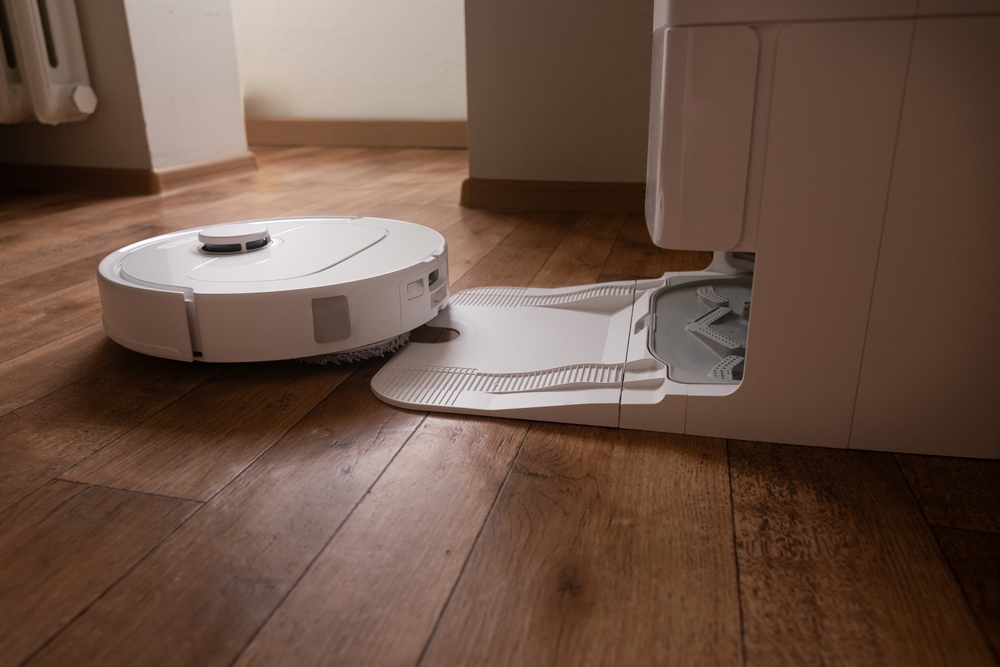
Robot vacuum cleaners shed their “nice to have” status because prices dropped from over S$1,000 to S$200-500 for solid models, and suction power jumped to 5,000-8,000Pa with better navigation that rarely gets stuck. They became vital for busy households as dual vacuum-mop combos handle Singapore’s sticky floors and dust without daily scrubbing.
Newer models from Dreame X50 Ultra (S$1,500+, top suction and self-emptying dock), Xiaomi S40 (S$400-600, budget pick with good mapping), Eufy X10 Pro Omni (S$800-1,000, value with auto mop lift), or Ecovacs Deebot Mini (S$300-500, perfect for small HDB/condo flats) perform better on mixed flooring like tiles, vinyl, or laminate common in Singapore homes. These robots schedule cleaning while you’re at the office or asleep, keeping dust and hair under control without disrupting your routine.
For flats with elderly parents, young children, people with disabilities or injuries that limit bending and pushing, robot vacuums cut physical effort and leave floors safer for crawling kids and allergy sufferers. Some models mop too, but do deeper cleaning in kitchens and bathrooms occasionally. Trade-offs include noise during runs, bin emptying, and initial home mapping that feels odd at first. See the robot vacuum as a complement to cleaning, not a full replacement.
Smart Locks and Video Doorbells: Security With Limits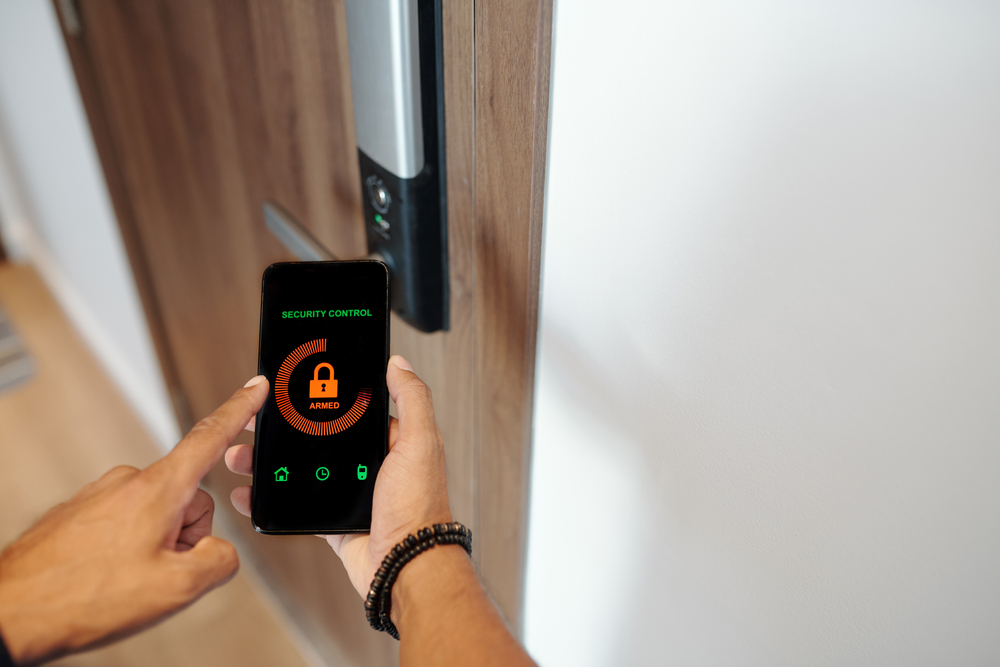
Smart locks and video doorbells like Interlock Mercury X6 (S$799 on Interlock), Philips EasyKey 9300 (S$1,099-1,180 on AN Digital Lock), or Aqara U100 (S$479+ on Interlock) for locks, and EZVIZ EP3x (S$149 on AN Digital Lock), Aqara G410 (S$200-300 on HomeSmart), or TP-Link Tapo D230 (S$150-200 on TP-Link SG) for doorbells, are becoming more common in cities as people want more control over who can enter their homes. These devices let you unlock doors with a PIN, fingerprint, or phone. Some models even accept temporary access codes that you give to guests or delivery workers. Video doorbells send live or recorded footage to your phone so you can see who’s at the door, even when you’re not home; helpful in high-rise blocks or when you expect deliveries.
When buying, look for HDB/condo compatibility, especially fire-rated locks with CoC to SS 332 or EN 1634-1 certification for main doors, no-drill installs to avoid door damage, and check MCST rules for shared spaces. Pick battery backups for locks, wide-angle lenses and motion detection for doorbells, and local storage to skip subscriptions. Ensure strong encryption and app privacy, plus adjust camera angles to respect neighbours. In Singapore, such devices suit landed homes or condos more easily, as HDB rules and corridor layouts can limit outside installs.
In Singapore, such devices are more practical for people in landed homes or certain condos, as HDB rules and corridor layouts can limit what you install outside your door. For HDB, internal installs like peephole cameras or doorbells usually do not need prior approval, but contact your Town Council for anything facing corridors or common areas. Always check your Town Council or MCST guidelines before drilling or mounting cameras facing shared spaces. You should also weigh privacy concerns, including how long footage is stored and where, and who has access to it. Strong passwords and regular firmware updates are essential, since a hacked lock or camera is worse than none at all.
Energy Monitoring and Smart Meters: Seeing Use Clearly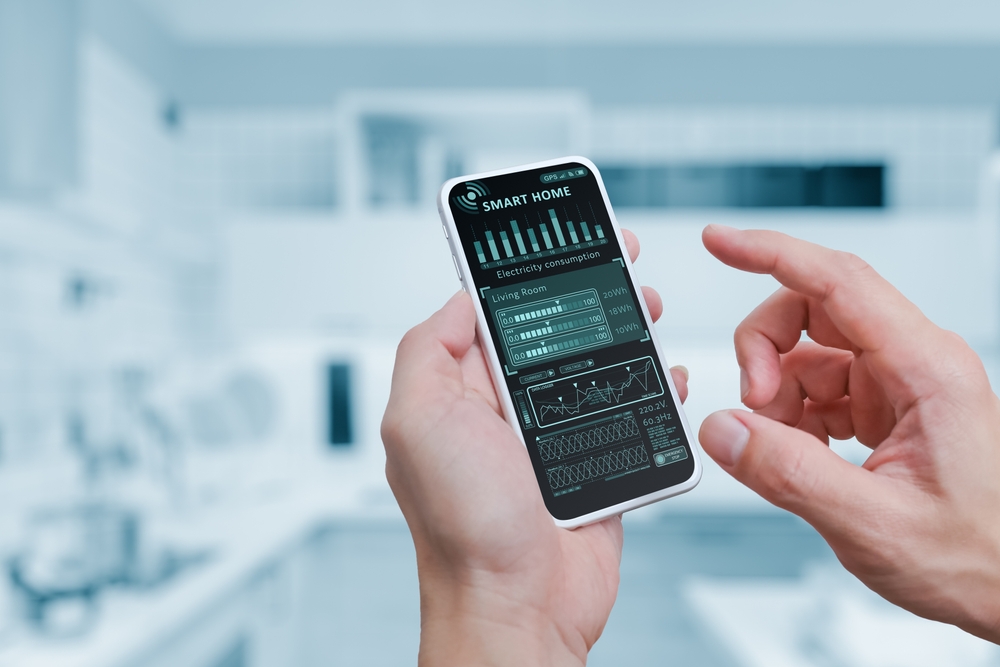
One reason people struggle to cut energy use is that it’s hard to see where the power is going. Smart meters and home energy monitors solve that by showing real-time or near-real-time data on electricity use through apps on your phone. Most require buying a separate device, like a smart plug with monitoring. TP-Link Tapo P110 (S$17-25) tracks usage per device via app, IKEA INSPELNING (S$25) works with DIRIGERA hub for whole-home stats, and Aeotec Home Energy Meter (S$230) gives detailed circuit-level data. Some systems break down usage by appliance, which makes it easier to spot which devices are drawing the most power and when. For a typical Singaporean family juggling work, school, and home life, this visibility guides simple changes like shifting laundry to off-peak hours or cutting idle use of certain appliances.
Singapore is already working to reduce energy usage in public housing estates and has launched programmes and vouchers to support greener appliances. Adding basic energy monitoring at home fits well with this trend and gives residents more control over their bills and carbon footprint. If a full smart meter setup feels too much, some smart plugs and multi-sockets already include basic monitoring features that offer at least a rough idea of usage.
Making It Safe: Cybersecurity for Smart Homes
Every new smart device is another small computer connected to your home network, and that brings risk. Default passwords and weak security settings are common gaps that attackers exploit, especially across Internet of Things devices. In Singapore, agencies such as the Cyber Security Agency (CLS scheme) and IMDA publish guidance and labelling schemes to help consumers choose more secure products and set them up correctly.
A few basic steps go a long way.
- Always change default passwords, use strong, unique passphrases and change them regularly, and enable multi-factor authentication where offered.
- Regularly update firmware, turn off features you don’t need, and consider keeping more sensitive devices like work laptops on a separate network from your smart home gadgets.
- If you are not using cloud features, you can also disconnect some devices from the internet and still use local control, which reduces exposure.
Security is not about fear, just about staying alert and setting up devices with care.
Choosing What Actually Helps You
With so many gadgets out there, it’s easy to feel pressured to automate everything, but that is rarely necessary. The smart home market in Singapore is growing fast, with more devices entering homes every year, yet not all of them add real value. The most useful approach is to be honest about your routines and pain points. If you often forget to switch off lights, start with smart bulbs or switches. If cleaning the home drains your time, consider a robot vacuum cleaner. If cooling the home office drives your bills up, focus on smarter AC and fans.
Start small, get used to a few devices, and build from there only if they genuinely help. Keep an eye on both energy use and digital security, and do not be shy about turning off features that feel invasive or distracting. Smart homes do not need to look futuristic or be packed with gadgets. They just need to work quietly in the background so you can think less about small chores and more about the things you actually care about.